Vivtrack User Guide
We like to think our UX is pretty intuitive, but here are some features which you may not know about.
Shop online
Choose from hundreds of customisable products.
Enter the quantity and size and add to your shopping cart
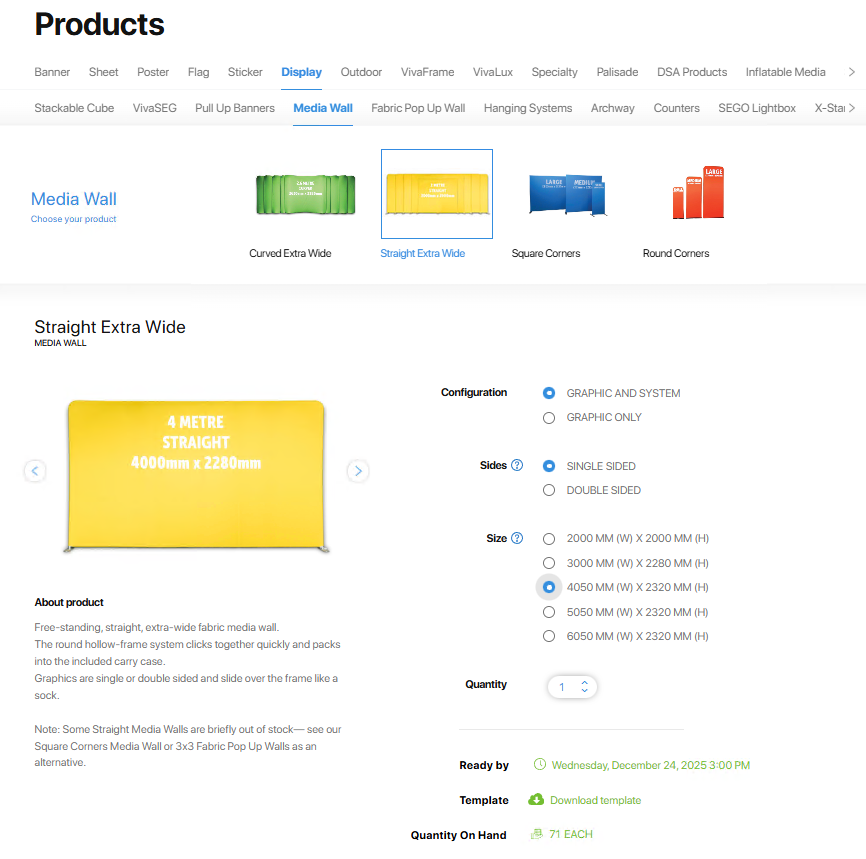
Add to Cart

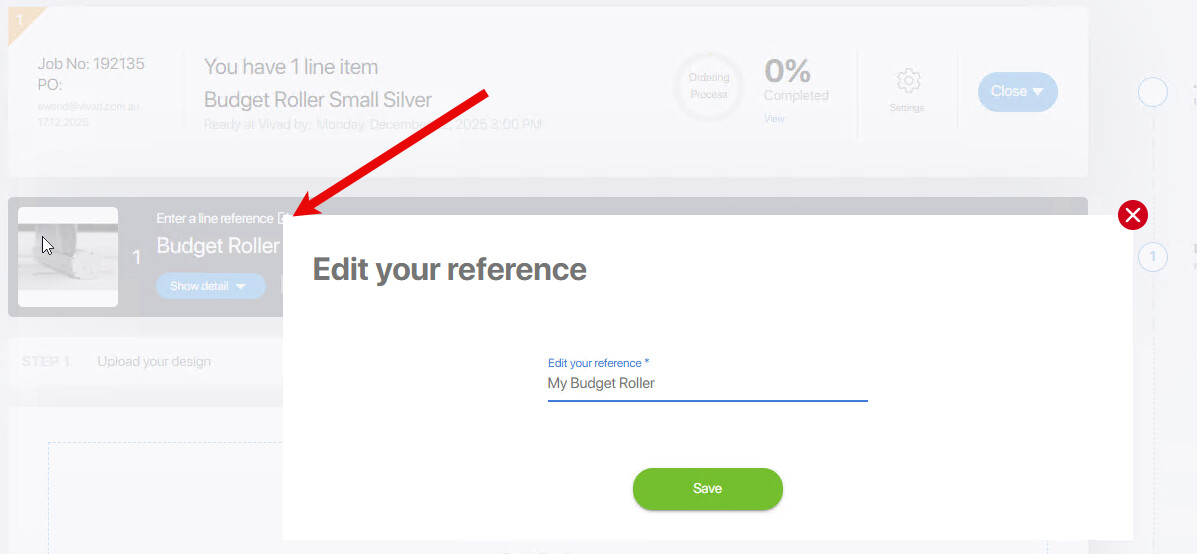
Enter a line reference
Edit the line reference to something which identifies the item and gives it some context
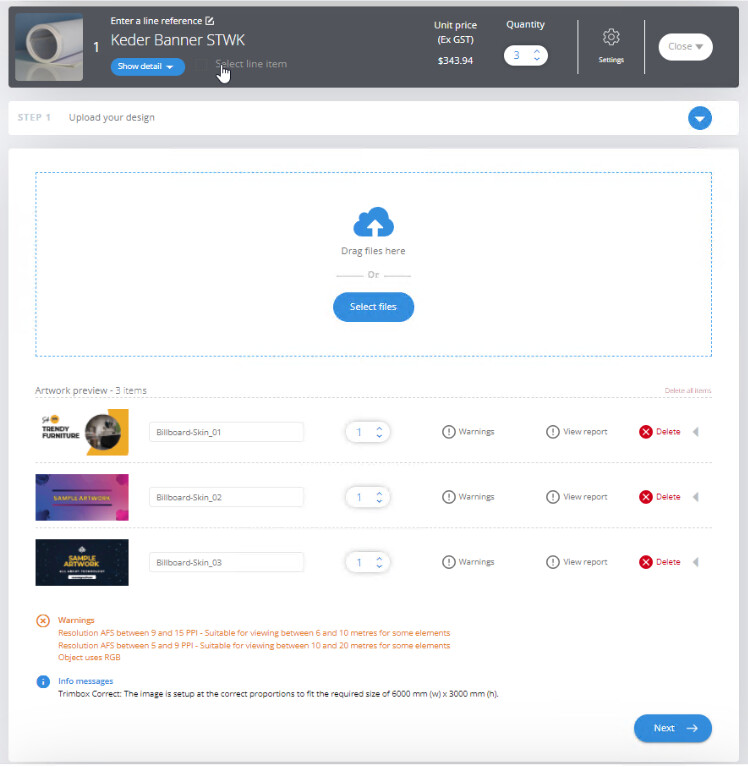
Upload your artwork to the shopping cart
Your artwork will be preflight checked for problems such as low resolution elements and correct proportions. You can download a report which details the issues.
Generate Approval Documents with your company logo
Send us your logo and we will add it to your approval document. This will appear on the packaging.
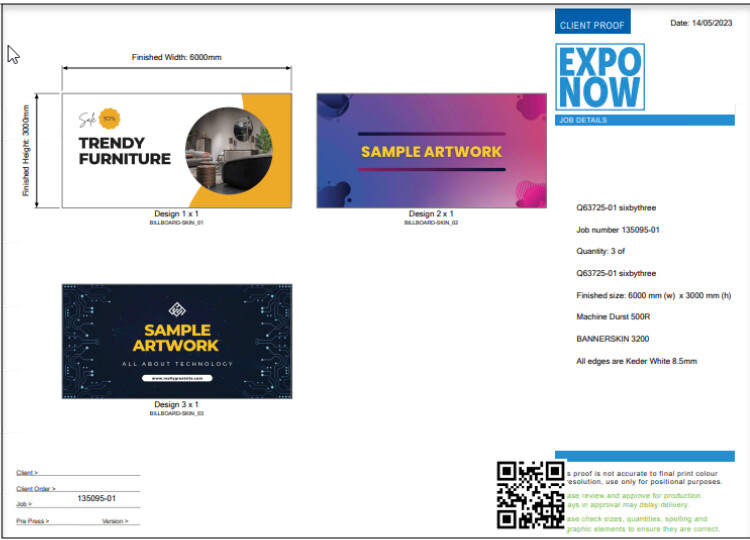
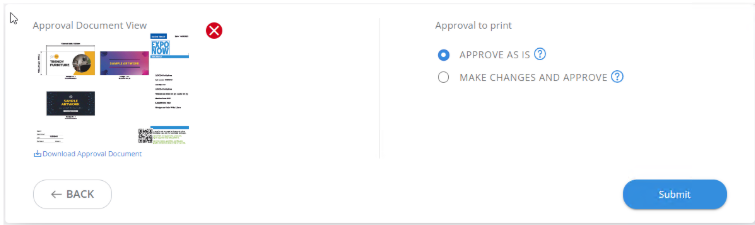
Check and Approve your Artwork On-Line
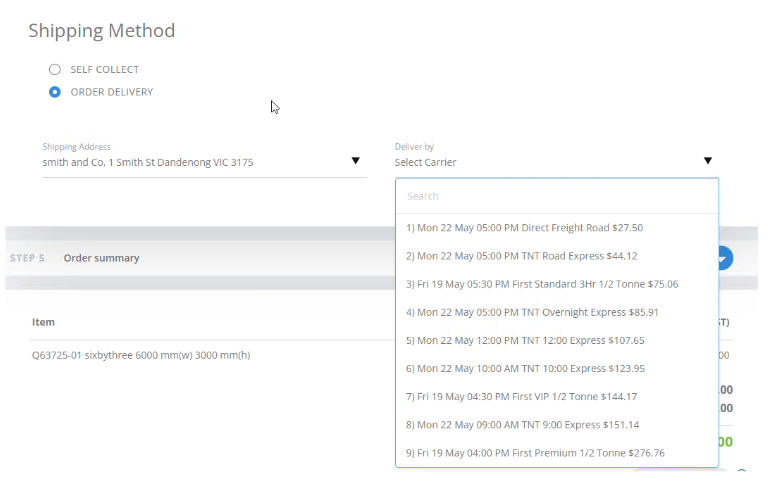
Select a shipping method
Shipping is based on packing dimensions and destination. You can add frequently used addresses. If you are an account holder, you can come back and change the shipping once the order is placed.
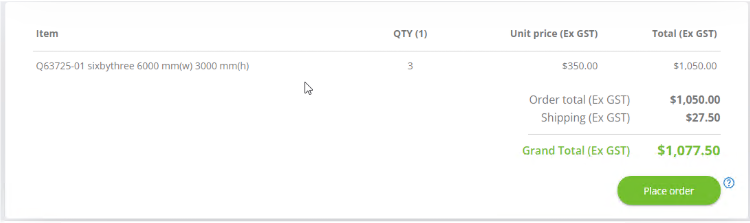
Place your order
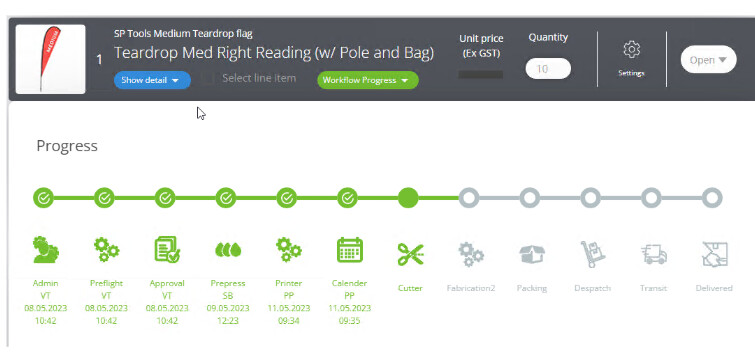
Track your Job
Add a Purchase order Number
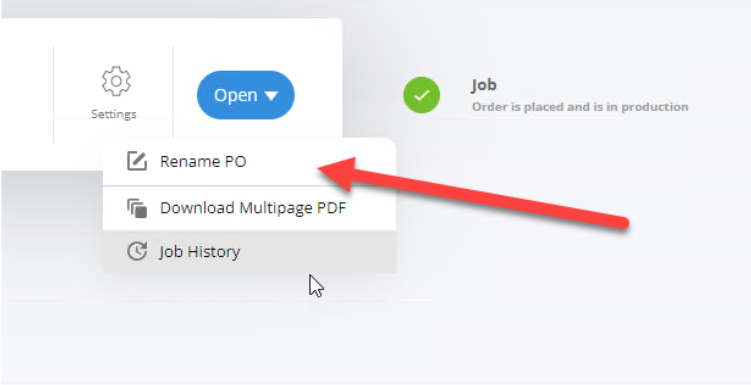
Download Multi-page PDF
Download a multipage PDF document of all of the approval documents in your job. Great for checking deliveries and briefing installers.
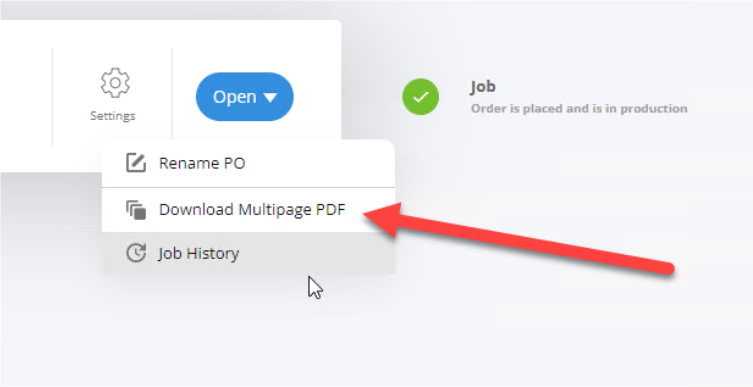
Share Link
Copy a link to your job and Share your job with other Vivtrack members who are in your trusted group.
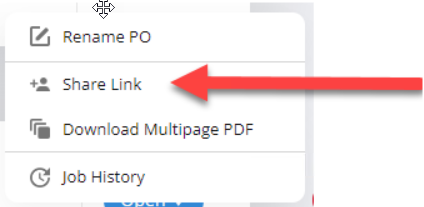
Add Vivtrack users to your Trusted group
->Click your name, Account->Settings
Add the email addresses of other Vivrtarck users to your trusted group
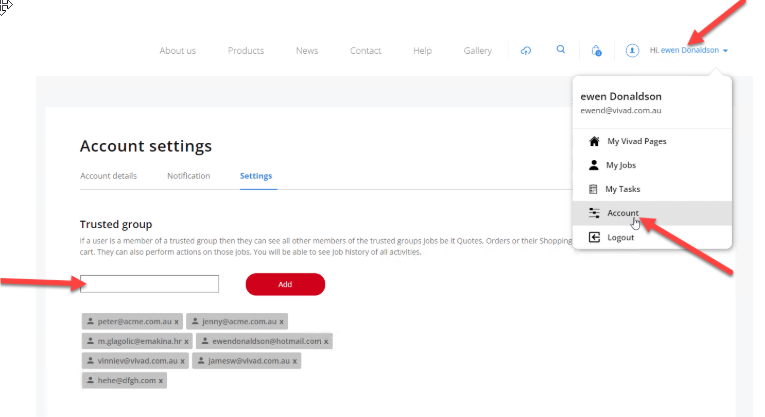
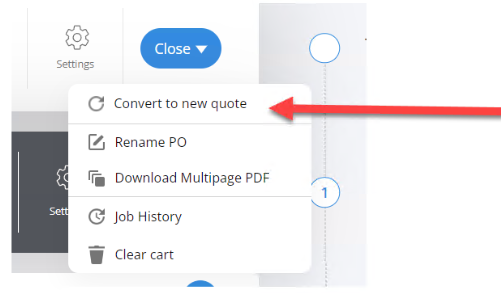
Convert your shopping cart into a quote
If you have many jobs on the go, once you have added all of your items to your shopping cart, you can convert your shopping cart to a quote. This will free up your cart for another job and allow you to complete your order at a later date.
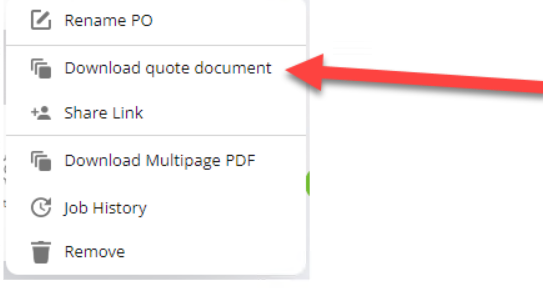
Download a Quote document
Whether you have created your own quote from your shopping cart or you have been emailed a quote, you can download the quote document.
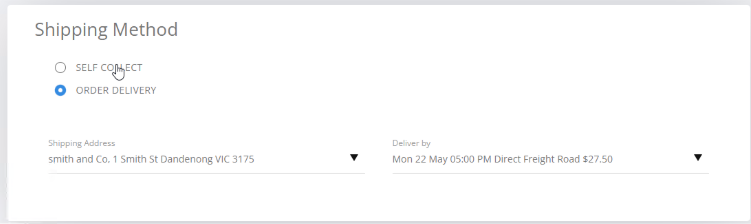
Edit Shipping
Account holders are able to change the shipping address and carrier right up to the time of despatch.
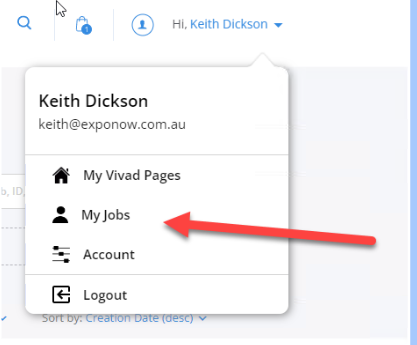
My Jobs
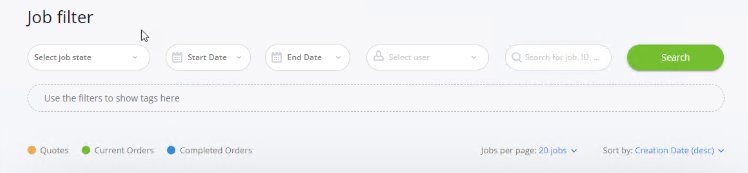
My Jobs allows you to search your Quotes, Current Orders and Completed orders.
View Jobs by users who have added you to their trusted group
Apply for a credit account and avoid the Pay-wall
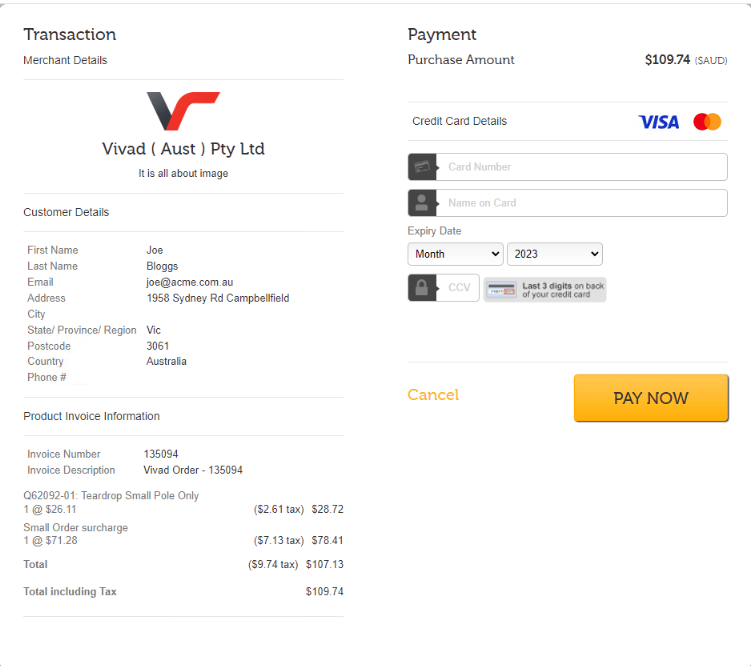
Credit account holders can place orders without having to pay with their credit card each time. Email us to request an account application form to set up a 30 day account.
Working with Qcodes and Spreadsheets
Every product on Vivad’s website has a unique Qcode which identifies that product.
The Qcode points to a base line item which defines which printer, which material, the workflow, and the task descriptions for our operators to follow in printing and manufacturing your job.
By populating the five parameters; Qcode, Quantity, Finished Width, Finished Height, and Short Name and then clicking “Add to cart” link, a derivative line item is added to your shopping cart which is built based on the QCodes’ base line item and the parameter data entered in the spreadsheet.
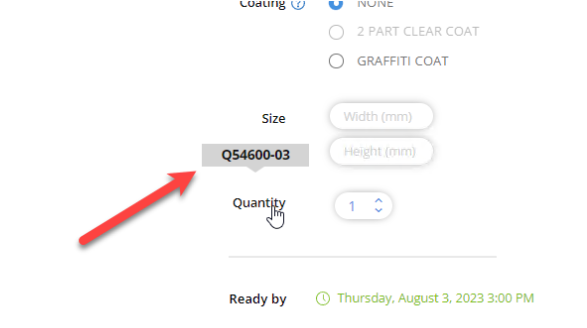
To find the Qcode on our website, select the product and options based on the radio buttons. Hover your mouse over the “Quantity” label, and read the QCode.
You can build your own spreadsheet with “Add to cart’ links for specific QCodes with varying Quantities, Width, Height and Shortname. Create your own catalogue
Here is a G-Sheet Example you can copy the sheet, populate the Qcodes from any product on the web site.
Talk to us about creating custom Qcodes for a specific treatment that interests you.
The “Add to cart” Hyperlink in Cell J9 has the following syntax
=hyperlink(“https://vivad.com.au/shopping-cart?qcode=“&D9&”&quantity=“&F9&”&width=“&G9&”&height=“&H9&”&shortname="&I9,"Add To Cart”)